Quick Start Card
A fold-up booklet with wiring, SD card setup and the menu map. Print it, fold it, and keep it with your skull.
Print to PDF
Manuals, tools, downloads and 3D printables for your Ocular Vox
Manuals, guides and videos to get your skull up and running.
A fold-up booklet with wiring, SD card setup and the menu map. Print it, fold it, and keep it with your skull.
The complete guide: connections, menus, jaw setup, eyes, troubleshooting. Read it online or print it to PDF.
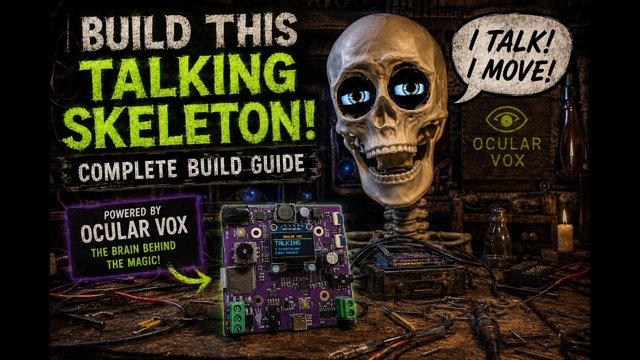
Watch the full build walkthrough, from unboxing to first boot. Covers eye mounting, jaw servo, wiring and audio setup.
Free tools that run right in your browser. Nothing to install.
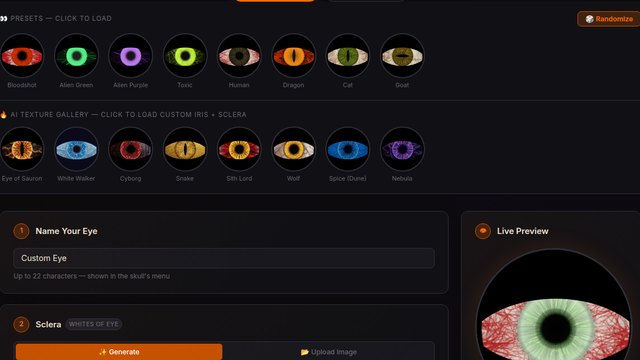
Design custom eyes right in your browser. Pick colors, upload images or use AI art, then download a .eye file for your MicroSD card.
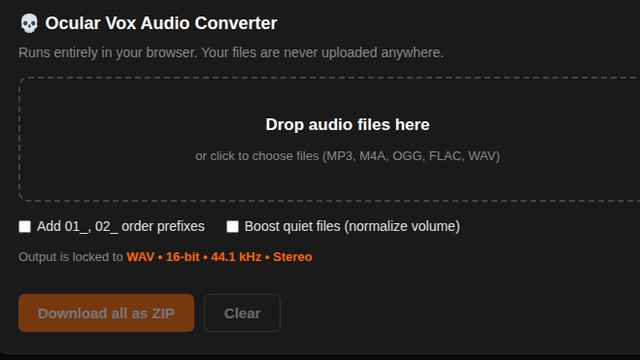
Write a script, generate a voice, and convert any MP3 to the exact WAV format Ocular Vox needs. The converter runs in your browser.
Firmware and ready-made content for your MicroSD card.
The latest Ocular Vox firmware. Download it, then update your board over USB-C.
Brackets, plates and clamps for mounting everything inside your skull.
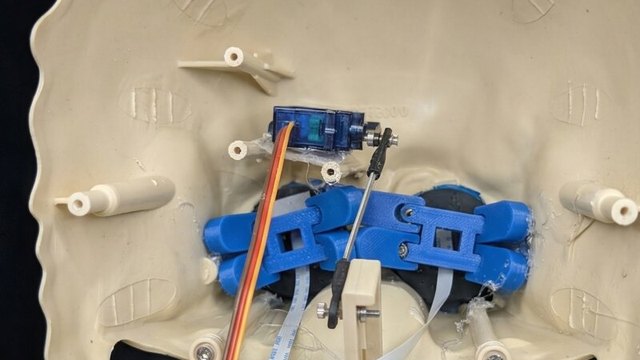
Printable mounts for the LCD eye displays and jaw servo. Designed to fit standard 12-inch plastic Halloween skulls.
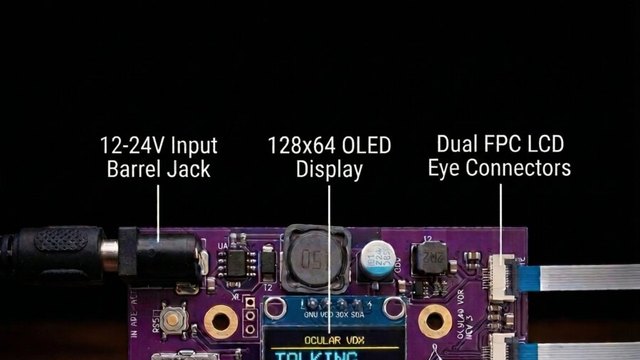
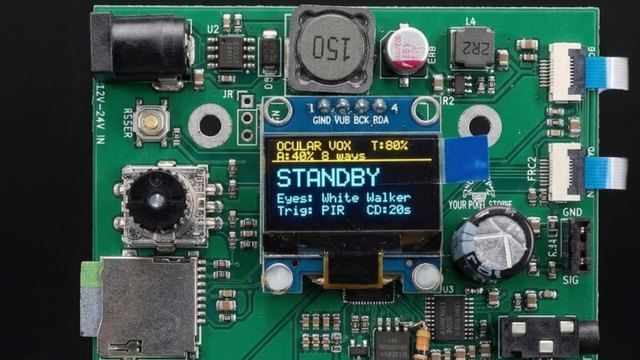
Don't let the brains rattle around! Securely attach the Ocular Vox Rev 3 board inside any 12-inch plastic skull.
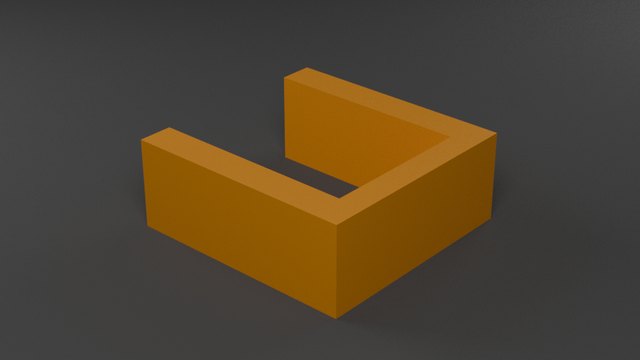
A simple clamp that slides over the jaw servo and mounting plate. Add hot glue, slide it on, and the servo is locked in place.
Gear we've tested and recommend.
Tested add-ons that work great with Ocular Vox.
Get help, share your builds, and see what others are making.